Docker & Basic Commands

Adventurous Software Engineer who enjoys programming, designing, developing services, products and technologies.
Over 5+ years experience in technology, I have worked on various kinds of applications, websites and systems using decent programming languages such as React.js, Vue.js, Node.js, Express.js, Javascript, MongoDB, Firebase, Python and so on. I also work with Git, Github and Heroku for team collaboration.
I believe in team work and team rising together to achieve the best. I am focused on being a valuable part of any team.
What is Docker and the commands you should know.
What is Docker?
Docker, an open-source platform, empowers developers to construct, deploy, execute, update, and oversee containers. These containers are standardized, self-contained units that integrate application source code with the necessary operating system libraries and dependencies. This enables the seamless execution of code in diverse environments.
Docker Tools And Terms
DockerFile
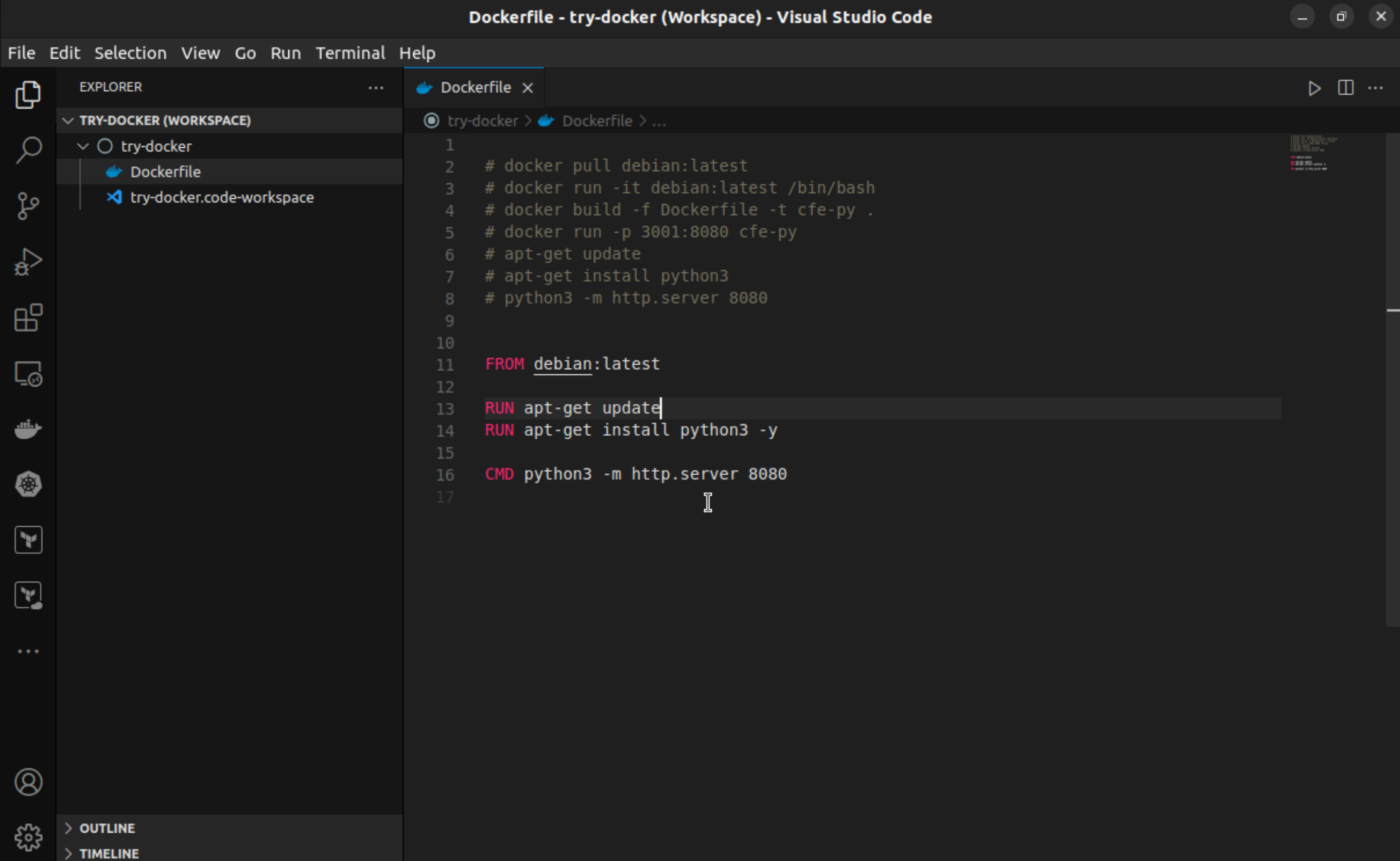
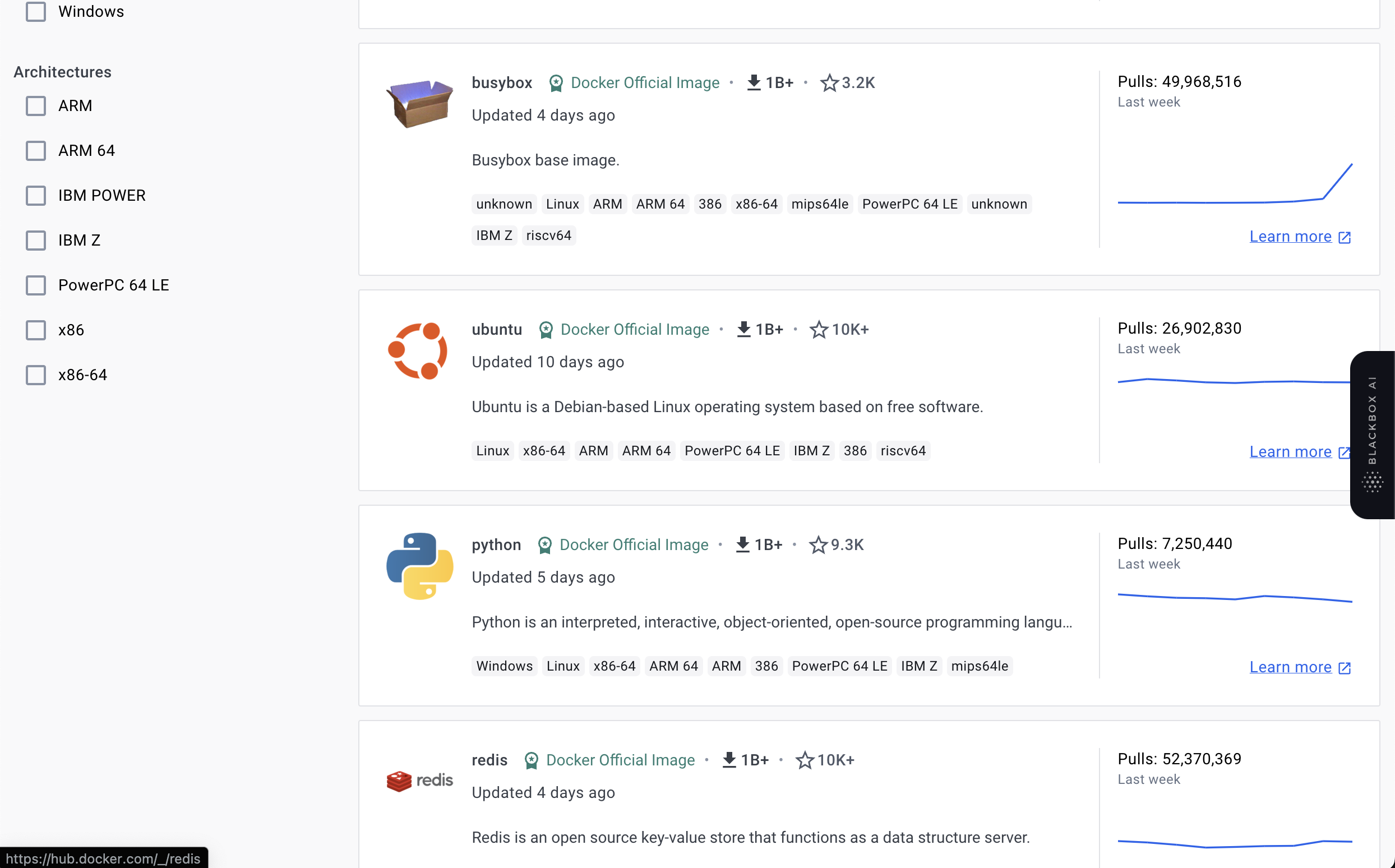
A Dockerfile is a script used in Docker, the containerization platform, to define and assemble the configuration of a Docker container. It contains a set of instructions that specify how a containerized application should be built, configured, and executed. These instructions include details such as the base image to be used, environment variables, application dependencies, and commands to run when the container starts. Dockerfiles enable developers to create reproducible and standardized container environments for their applications.
Docker Image
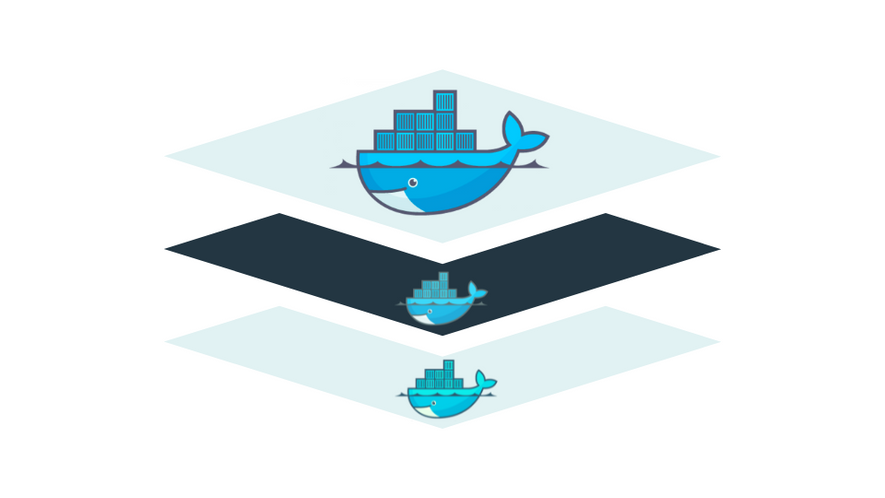
A Docker image is a lightweight, standalone, and executable package that includes all the necessary components to run a piece of software, including the code, runtime, libraries, and system tools. It serves as a blueprint for creating Docker containers. Images are built from a set of instructions specified in a Dockerfile, which defines the environment and configuration needed for the application.
Docker images are versioned and can be shared and distributed through container registries like Docker Hub. They provide consistency across different environments, ensuring that an application runs consistently regardless of the host system. Images follow the layered architecture, where each instruction in the Dockerfile creates a new layer, allowing for efficient reuse of common components and optimizing the image creation and distribution process.
Docker Container
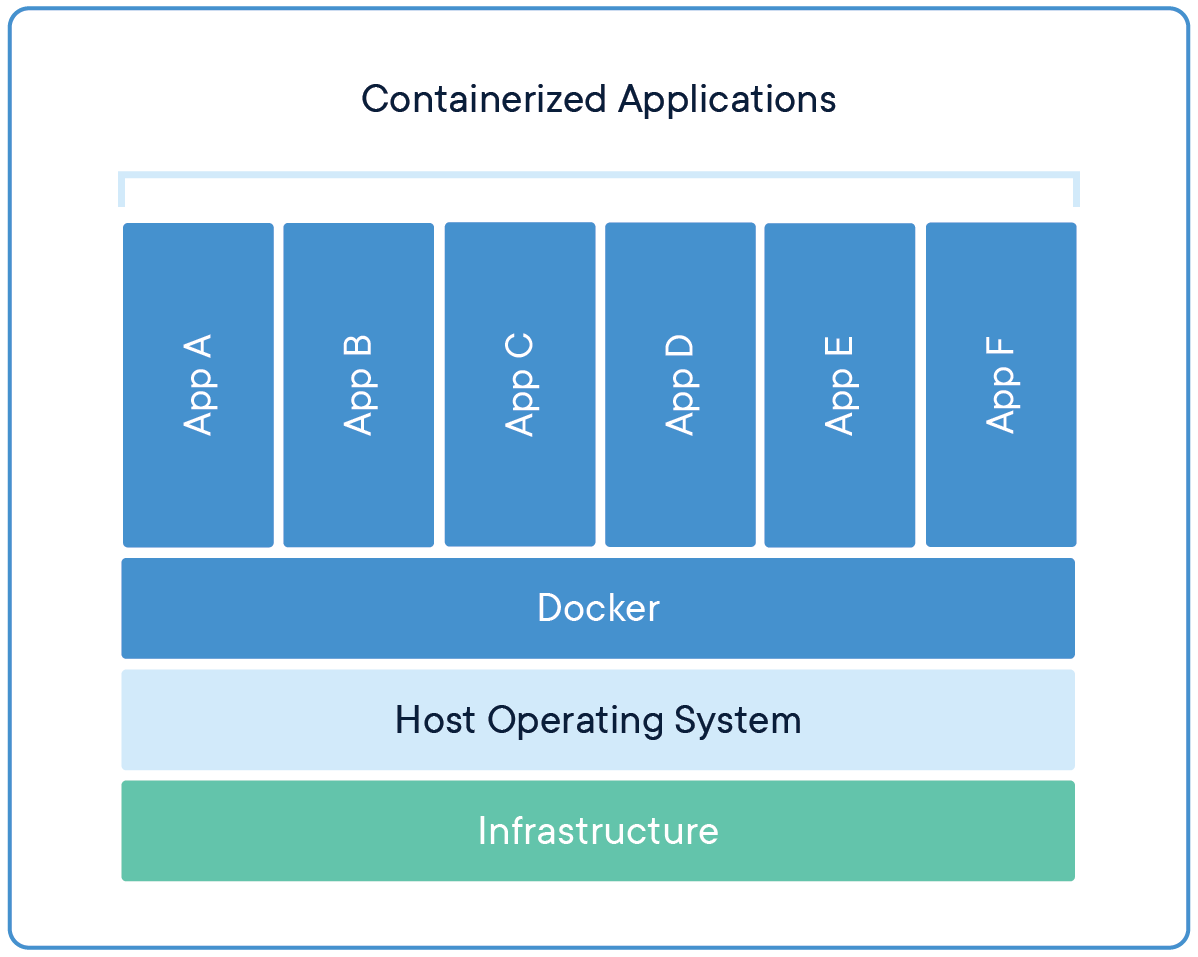
A Docker container is a lightweight, standalone, and executable software package that includes everything needed to run a piece of software, including the code, runtime, system tools, libraries, and settings. Containers are created from Docker images, which serve as a blueprint for the container. Containers are isolated from each other and from the host system, providing consistency and reproducibility across different environments.
Docker Hub
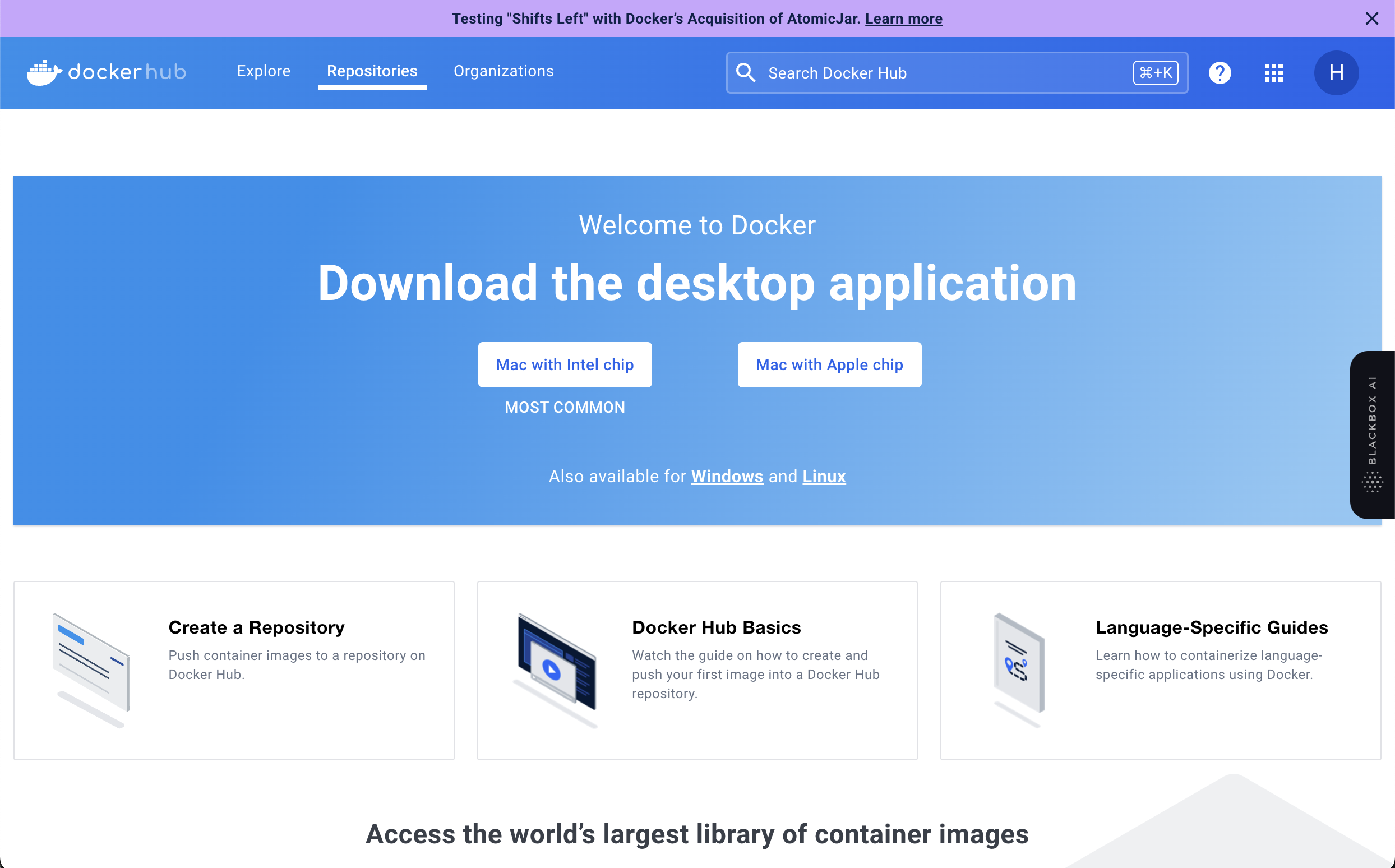
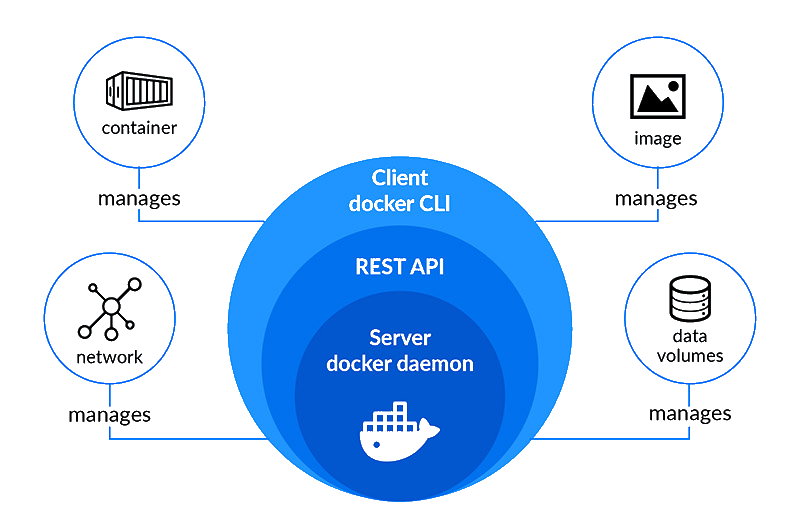
Docker Hub is a cloud-based registry service provided by Docker that allows developers to store and share Docker container images. It serves as a centralized repository for Docker images, making it easy for users to access and distribute containerized applications.
Docker Desktop
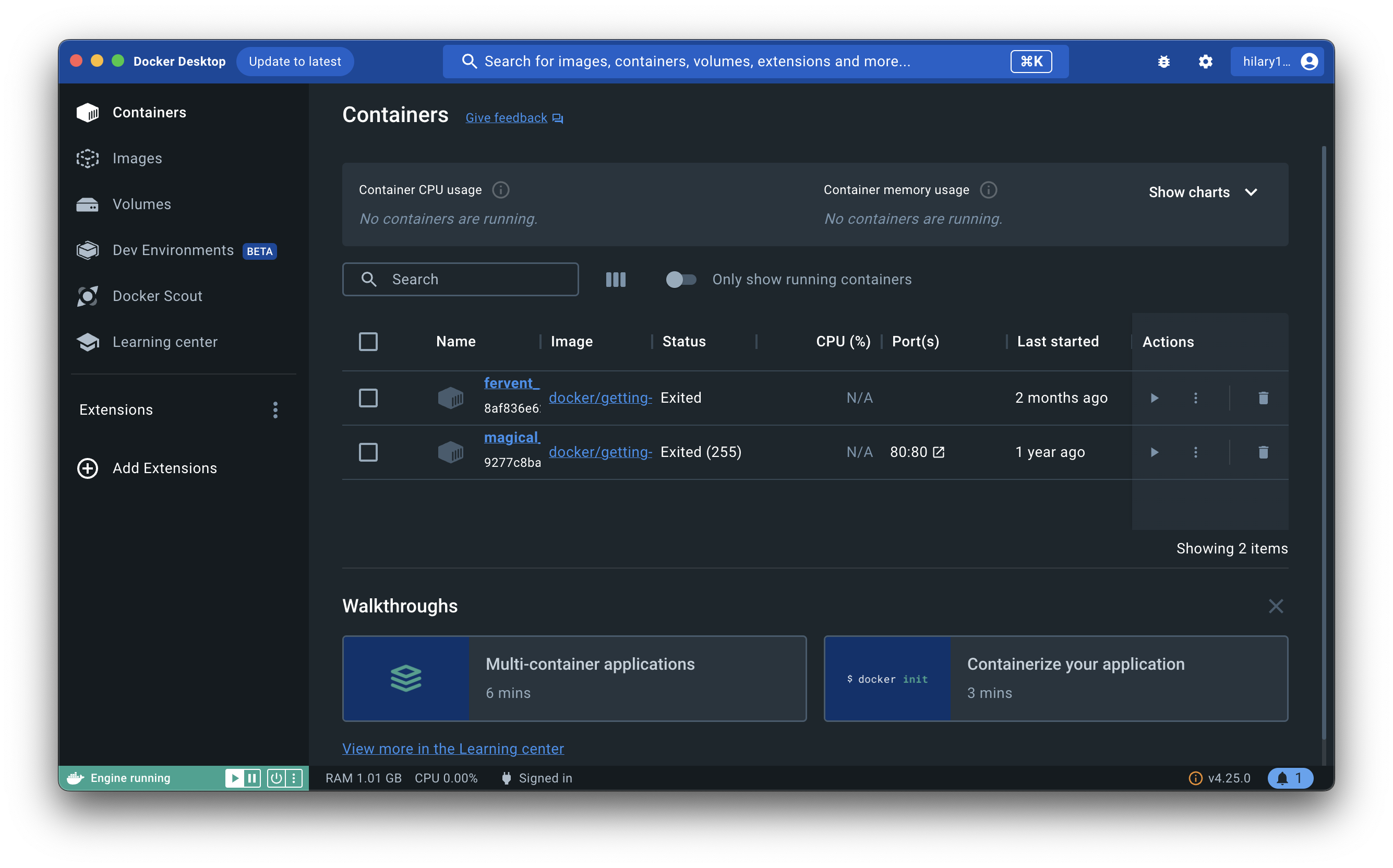
Docker Desktop is an application for Windows and macOS operating systems that provides an easy-to-use interface for developers to build, test, and deploy applications using Docker containers. It brings the power of containerization to desktop environments, allowing developers to work with containers on their local machines.
Docker Daemon
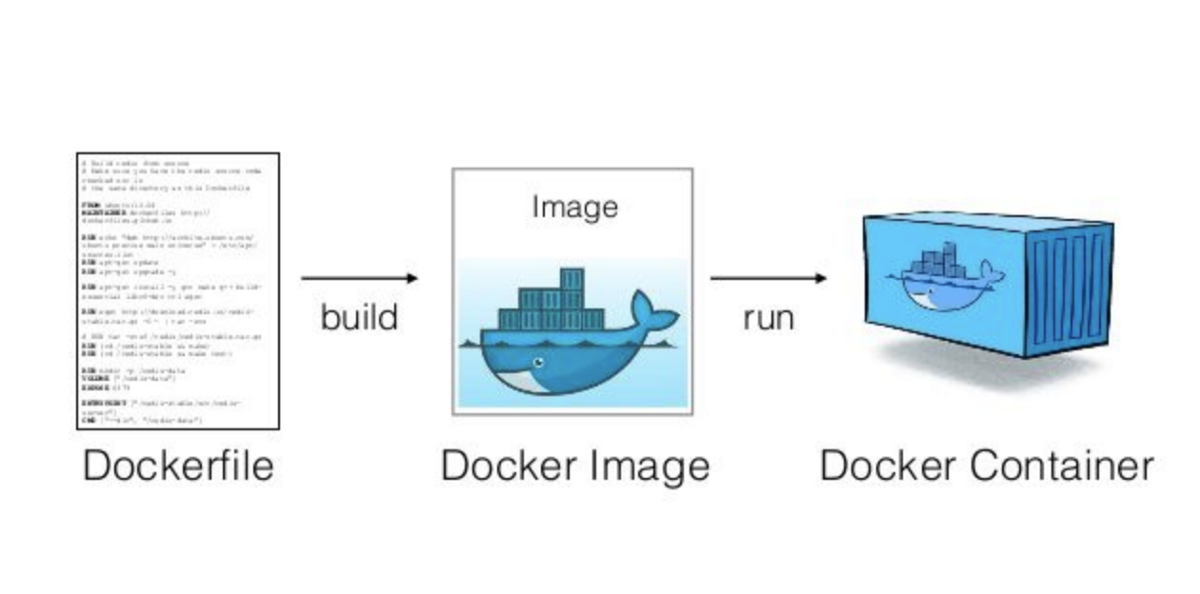
The Docker Daemon, often simply referred to as the Docker daemon, is a background process that manages Docker containers on a system. It is a key component of the Docker architecture and is responsible for building, running, and monitoring containers. The Docker daemon runs on the host machine and communicates with the Docker client and other components to carry out container-related tasks.
Docker Registry
A Docker registry is a centralized repository for storing and managing Docker images. It serves as a storage and distribution mechanism for Docker images, allowing users to share, distribute, and deploy containerized applications. Docker images can be pushed to a registry by developers and pulled from the registry by others, making it a key component in the Docker ecosystem.
Docker process in a diagram
Basic Docker Commands
docker –version
Usage: docker — — version
This command is used to get the currently installed version of docker
docker pull
Usage: docker pull <image name>
This command is used to pull images from the docker repository(hub.docker.com)
docker run
Usage: docker run -it -d <image name>
This command is used to create a container from an image
docker ps
Usage: docker ps
This command is used to list the running containers
docker ps -a
Usage: docker ps -a
This command is used to show all the running and exited containers
docker exec
Usage: docker exec -it <container id> bash
This command is used to access the running container
docker stop
Usage: docker stop <container id>
This command stops a running container
docker kill
Usage: docker kill <container id>
This command kills the container by stopping its execution immediately. The difference between ‘docker kill’ and ‘docker stop’ is that ‘docker stop’ gives the container time to shutdown gracefully, in situations when it is taking too much time for getting the container to stop, one can opt to kill it.
docker commit
Usage: docker commit <container id> <username/imagename>
This command creates a new image of an edited container on the local system
docker login
Usage: docker login
This command is used to login to the docker hub repository
docker push
Usage: docker push <username/image name>
This command is used to push an image to the docker hub repository
docker images
Usage: docker images
This command lists all the locally stored docker images.
docker rm
Usage: docker rm <container id>
This command is used to delete a stopped container.
docker rmi
Usage: docker rmi <image-id>
This command is used to delete an image from local storage.
docker build
Usage: docker build <path to docker file>
This command is used to build an image from a specified docker file.
These are basic docker commands to know and are mostly used in day to day activities.


